
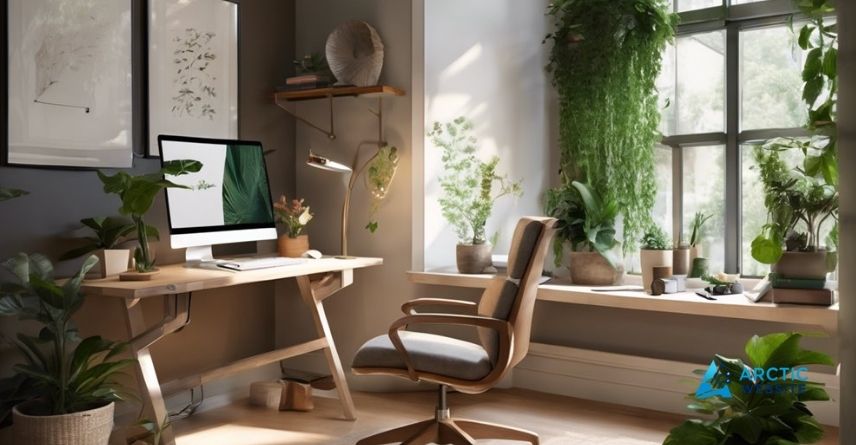
Creating a comfortable workspace at home isn’t just about having a desk and a chair. It’s about setting up a space where you feel focused, relaxed, and ready to tackle your tasks without distractions or discomfort.
Imagine waking up and stepping into a spot that instantly boosts your mood and productivity. Sounds good, right? You’ll discover simple, practical tips that can transform any corner of your home into the perfect work haven. Keep reading to find out how small changes can make a big difference in your daily work life.
Choosing The Right Location
Choosing the right location for your home workspace sets the foundation for comfort and focus. The right spot improves productivity and reduces stress. It should meet your needs and fit your daily routine.
Consider space, light, noise, and distractions carefully. Small changes can make a big difference in how you work and feel.
Assessing Space And Lighting
Find a space with enough room for your desk and chair. Avoid cramped areas that make you feel trapped. Choose a spot with natural light. Sunlight boosts mood and energy. Position your desk near a window if possible. Use soft, warm artificial light for late hours. Avoid harsh overhead lights that cause eye strain.
Minimizing Noise And Distractions
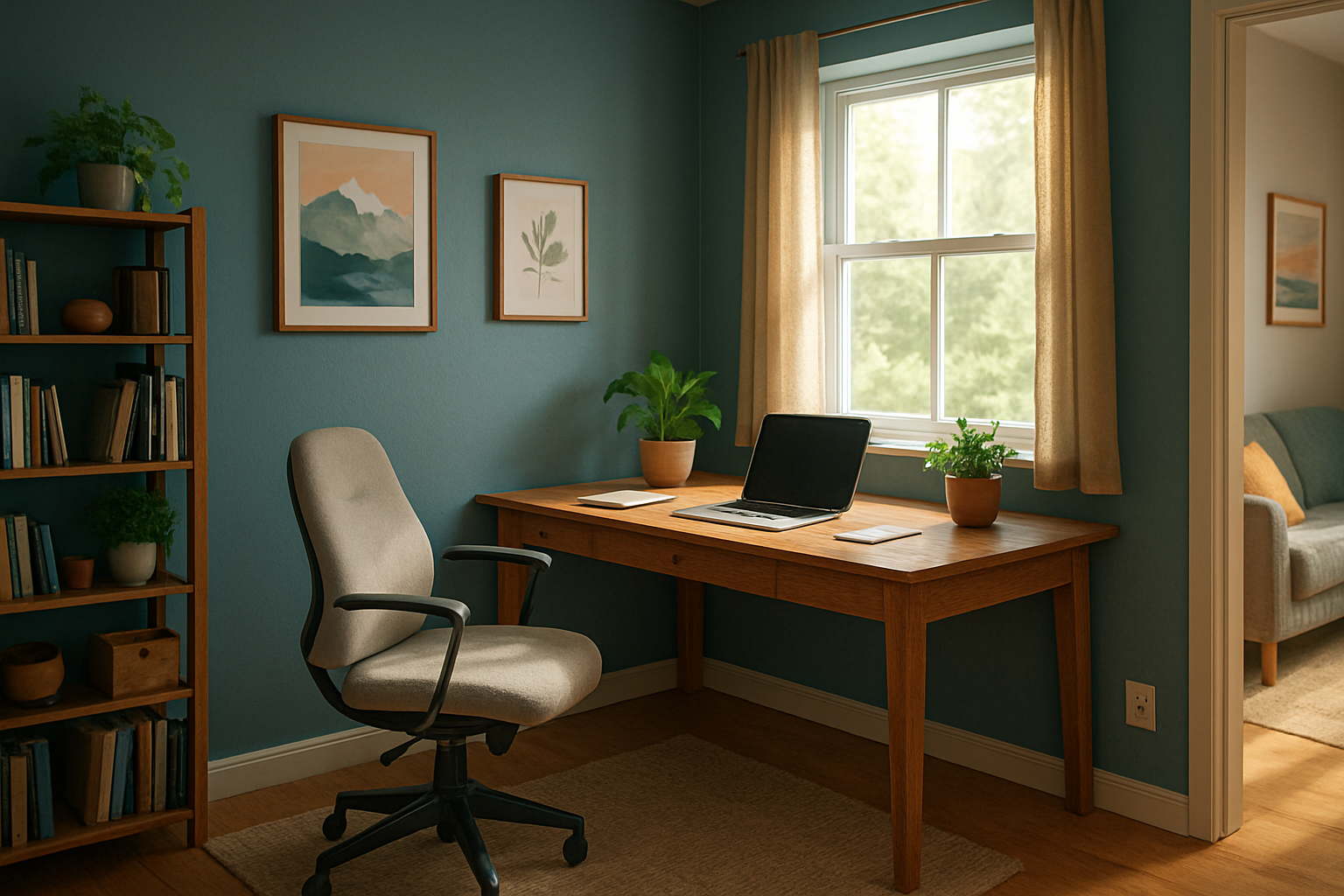
Pick a quiet corner away from busy areas. Noise interrupts focus and lowers work quality. Use rugs or curtains to absorb sounds. Close doors to keep out household noise. Turn off unnecessary devices that beep or buzz. Inform family members about your work hours. This reduces unexpected interruptions and helps you concentrate.
Credit: www.retrofoam.com
Selecting Ergonomic Furniture
Creating a comfortable workspace starts with choosing the right furniture. Ergonomic furniture helps reduce pain and fatigue. It supports your body and keeps you comfortable during long work hours.
Good furniture improves posture and boosts focus. Your chair and desk play a big role in this. Also, adjustable accessories add more comfort and flexibility to your setup.
Choosing The Perfect Chair And Desk
Pick a chair with good lumbar support. It helps keep your lower back straight and relaxed. The seat height should let your feet rest flat on the floor. Armrests should support your arms without lifting your shoulders.
Select a desk with enough space for your computer and work materials. The desk height should allow your elbows to bend at about 90 degrees. This prevents strain on your wrists and shoulders.
Incorporating Adjustable Accessories
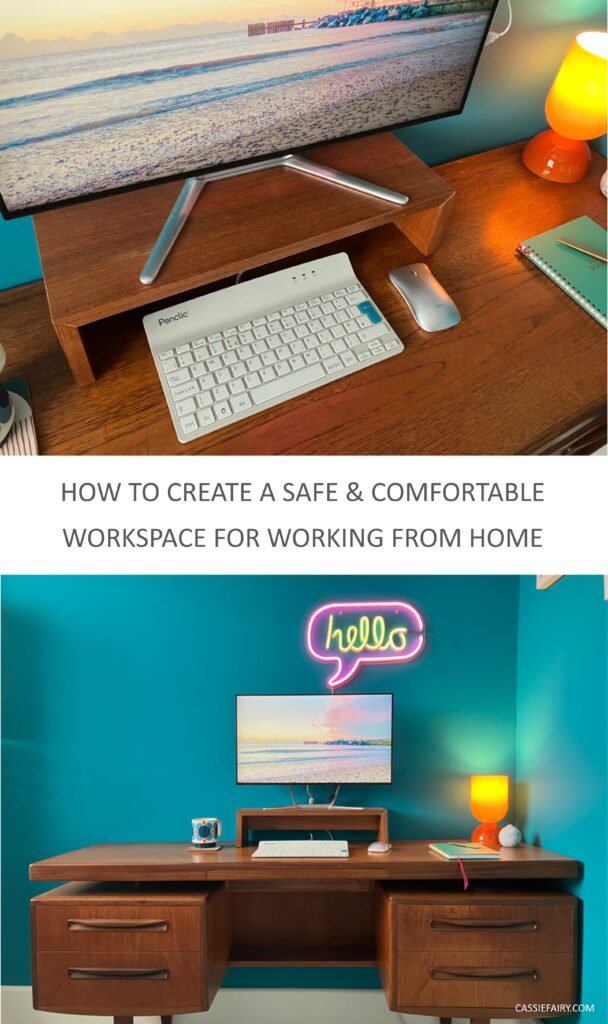
Use accessories like keyboard trays and monitor stands. These help you position your tools at the right height. Adjustability lets you change your setup to fit your body.
A footrest can reduce pressure on your legs. Adjustable monitor arms keep screens at eye level. This reduces neck strain and improves comfort.
Personalizing Your Workspace
Personalizing your workspace makes it feel more comfortable and inviting. It helps you stay motivated and focused throughout the day. A space that reflects your style and needs can improve your mood and productivity. Simple touches can make a big difference in how you work and feel.
Adding Inspiring Decor
Choose decor that makes you happy and calm. Photos, artwork, or quotes can inspire you. Plants add a touch of nature and fresh air. Use colors that boost your energy and creativity. Keep decor simple to avoid clutter and distractions.
Organizing Tools For Efficiency
Use containers and trays to keep small items tidy. Label drawers and shelves for easy finding. Keep your desk clear except for essentials. Use cable organizers to reduce mess from wires. A neat space helps you work faster and think clearly.

Credit: www.archify.com
Credit: cassiefairy.com
Frequently Asked Questions
What Are The Best Ergonomic Tips For A Home Workspace?
Choose a chair that supports your back well. Keep your feet flat on the floor. Position your screen at eye level to avoid neck strain.
How Can Lighting Improve My Home Office Comfort?
Use natural light when possible to reduce eye strain. Add a desk lamp with soft light for cloudy days. Avoid harsh overhead lights that create glare.
What Is The Ideal Desk Setup For Working At Home?
Keep your desk tidy and organized to reduce stress. Place frequently used items within easy reach. Use a desk size that fits your work tools comfortably.
How Do I Reduce Noise Distractions In My Home Office?
Use noise-cancelling headphones or play soft background music. Close doors and windows to block outside noise. Add rugs or curtains to absorb sound.
How Can I Stay Comfortable While Working Long Hours At Home?
Take short breaks every hour to stretch and move around. Drink water regularly to stay hydrated. Adjust your chair and desk to keep good posture.
Conclusion
Creating a comfortable workspace at home improves focus and mood. Small changes make a big difference. Choose a quiet spot with good light. Add a chair that supports your back well. Keep your desk clean and organized. Personal touches help you feel relaxed and motivated.
Take breaks and stretch often to stay fresh. A cozy workspace helps you work smarter, not harder. Start today and enjoy a better work-from-home experience.